Choosing the right test observability and QA monitoring tool can be challenging. DataDog Test Optimization is popular for infrastructure and system monitoring, but it often falls short for test optimization and QA-focused analytics. Teams report issues with high pricing, complex setup, and limited actionable insights.
This gap has led CTOs, product managers, QA leads, and DevOps managers to seek alternatives that provide faster debugging, AI-driven analytics, and simpler adoption.
To help, we've listed the 5 best DataDog Test Optimization alternatives for test optimization in 2025, highlighting TestDino, a platform built for efficient test analytics and streamlined debugging.
Best DataDog Test Optimization Alternatives: How to Choose the Right Tool
When considering top DataDog Test Optimization alternatives, it's worth assessing tools against a number of key dimensions.
Ease of onboarding and setup, the extent of test observability and QA monitoring, CI/CD integration, and speed of execution all have a significant impact on adoption.
Contemporary teams also value AI-driven debugging and flaky test detection to speed up resolution.
Also, pricing transparency and enterprise readiness SEC, compliance, and collaboration matter most when evaluating DataDog Test Optimization alternatives.
These factors ensure that the solution adopted is feasible for CTOs, product managers, engineering managers, QA leads, and DevOps teams to simplify test analytics.
How to Compare DataDog Test Optimization Alternatives
Here is a quick comparison of top alternatives to DataDog Test Optimization that can help you identify your preferred test reporting tool:
 TestDino |  DataDog Test Optimization |  Currents |  ReportPortal |  LambdaTest Test Analytics | |
|---|---|---|---|---|---|
| Pricing (starts at) | $49/month | $28/month | $49/month | $569/month | $25/month |
| Best for | Playwright Reporting & Analytics | CI and test visibility | Dashboards & Orchestration | Reporting with history and clustering | Test Analytics |
| Framework support | Playwright | Playwright & More | Playwright & More | Playwright & More | Playwright & More |
| Ease of use |  |  | | | |
Getting Started | |||||
AI & failure insights | |||||
Test runs & summaries | |||||
Test cases | |||||
Analytics & trends | |||||
Dashboards & UX | |||||
Integrations & alerts | |||||
| Try for free | Learn more | Learn more | Learn more | Learn more | |
Best DataDog Test Optimization Competitors for Modern Test Automation
Here are the top 7 best alternatives to DataDog Test Optimization that you can choose from to streamline your test reporting:
1. TestDino
$49
/monthBest for:
Playwright first teams, QA leads, DevOps managers, and engineering teams who want AI-powered QA test reporting and faster debugging.
Platform Type:
Web app dashboard (Playwright native)
Integrations with:
Jira, Linear, Slack, GitHub, GitHub Actions
Key Features:
 AI-driven failure categorization (Actual Bug, UI Change, Unstable Test, Miscellaneous)
- Flaky test detection with historical trends
- Role-Based dashboards (QA, DevOps, managers)
- Test Run explorer with logs, screenshots, retries
- PR-based insights showing pass/fail next to code
- With GitHub integration enabled, TestDino posts AI-generated test run summaries to the relevant commits and pull requests.
- Failure error classifications
- Instant Slack alerts with test summaries
- One-click bug filing into Jira/Linear

Pros
- Built Playwright native, faster setup
- Cuts debugging time with AI insights and automated triage.
- Provides team specific views (QA sees flaky tests, managers see stability metrics).
- Cost-effective compared to enterprise heavy tools with quality test reporting.

Cons
- Currently optimized for Playwright only.
First Hand-Experience
TestDino gives Playwright teams faster insight with AI-driven reporting at a lower operational cost than traditional platforms. It ingests standard Playwright outputs, classifies failures with confidence scores, and maps every run to its branch, environment, and pull request.
The result is a clear, centralized view of quality that turns noisy failures into priorities your team can act on immediately. Because it is Playwright-native and integrates directly into CI, setup takes minutes, not days.
Teams get one source of truth for runs, traces, screenshots, videos, and logs, plus role-based dashboards that keep QA, developers, and managers aligned on what blocks release and what can wait.
Smart Reporting & Debugging
TestDino goes beyond pass or fail. AI groups similar errors, labels each failure as Actual Bug, UI Change, Unstable Test, or Misc, and highlights persistent versus emerging issues with confidence scores.
That context explains why tests failed and where to start, collapsing triage from hours to minutes. The Test Runs view adds status, branch, environment, and AI tags to each execution.
Open a run to see Summary, Specs, History, Configuration, and AI Insights. Evidence is one click away: error text, step timeline, screenshots, and console per attempt or retry. Developers get PR-aware feedback that separates flakes from real blockers, so fixes land faster.
CI/CD Speed & Test Coverage
Built for modern pipelines, TestDino plugs into your CI to upload Playwright reports after execution. It supports parallel runs and exposes timing intelligence so you can identify slow specs, branches, or days without adding framework overhead.
Analytics quantifies average and fastest run times, time saved, speed drift by day, and distribution of fast versus slow runs. Coverage and stability are visible at every level. The Test Case view surfaces slow tests and pass/fail history.
Environment analytics compare success rates and volumes across mapped environments and operating systems, making it obvious whether a slowdown is code, data, or infrastructure. Combined with flaky detection and retry analysis, teams shorten feedback loops without re-running entire suites.
Team and Client Collaboration
Role-based dashboards keep each stakeholder focused. The QA dashboard flags flaky clusters and failure categories. The Developer dashboard focuses on PR health, active blockers, and branch stability. The Manager dashboard rolls up trend metrics for release readiness and risk.
Everyone sees the same source of truth, filtered to what they need. Integrations remove copy-paste from communication. Raise Jira or Linear issues prefilled with evidence and history.
Send compact run summaries to Slack with direct links to proof. For distributed teams and client reviews, TestDino's PR view shows full run and retry history with passed, failed, flaky, and skipped counts, so decisions are made with context and audits are straightforward.
Pricing & Value
Four distinct plans are available on TestDino; each specifically created to meet the demands of its consumers.
Final Verdict
TestDino is a strong choice among DataDog Test Optimization alternatives due to affordable pricing, faster onboarding, and Playwright native support.
It delivers AI-driven debugging, flaky test detection, and confidence-scored insights that shorten triage time and improve reliability at scale. Role-based dashboards, PR-aware feedback, and persistent history make failure context clear and actionable.
Compared with DataDog Test Optimization, TestDino provides deeper Playwright integration, in-depth analytics across runs, cases, and environments, and CI/CD optimization without added framework overhead.
The lightweight setup, direct PR mapping, and Slack/Jira/Linear integrations enable QA teams, developers, and managers to collaborate on one source of truth.
If you are evaluating DataDog Test Optimization alternatives, TestDino offers a practical, cost-efficient platform that prioritizes speed, clarity, and measurable quality gains.
2. ReportPortal
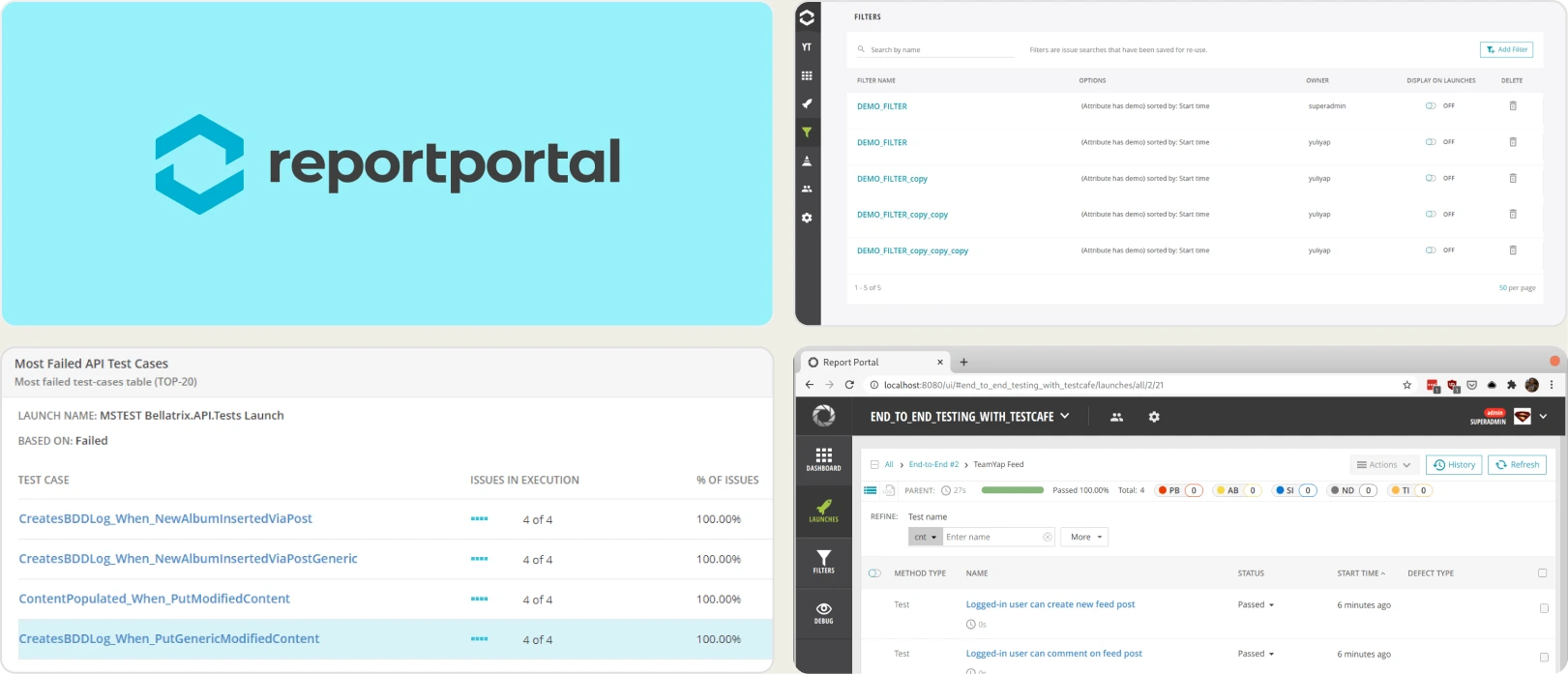
Best for:
QA teams looking for open source flexibility with basic test analytics.
Platform Type:
Web dashboard platform
Integrations with:
Jenkins, GitHub, GitLab, Jira, Slack, etc.
Key Features:
- Open source test reporting
- Real-time launch/run reporting
- Failure clustering and auto-analysis
- Flaky test detection via history
- Custom dashboards, widgets, AQL filtering
- REST API and export options
Pros
- Free open source core
- Broad framework and CI/CD coverage
- Flexible dashboards and filters
- Community and enterprise support options
Cons
- Limited AI-driven insights out of the box
- Requires hosting, setup, and ongoing maintenance
- UI and UX feel less modern than newer tools
- PR-focused analytics require additional wiring
First Hand-Experience
ReportPortal provides transparency and extensibility typical of open source, plus useful auto-analysis for grouping failures. In practice, teams often allocate ongoing developer time for upgrades, scaling, and fine-tuning dashboards.
The interface is functional, though it may feel dated for stakeholders who expect polished, role-specific views.
Pricing & Value
The open source tier is attractive for cost control, but total cost of ownership includes servers, observability, backups, and engineering effort. Managed SaaS plans reduce operational burden yet move pricing into an enterprise bracket.
For buyers researching ReportPortal competitors and ReportPortal reviews, value hinges on whether your team prefers do-it-yourself flexibility or a turnkey experience with faster insight delivery.
Final Verdict
ReportPortal is a solid option for organizations that prioritize open source, need multi-framework aggregation, and can invest in maintenance.
Teams exploring test reporting and automation analytics within the broader landscape of ReportPortal Alternatives may also consider how important quick onboarding, PR-aware insights, and low-overhead operations are to their roadmap. If speed to value and minimal upkeep are priorities, shortlist accordingly.
3. Currents
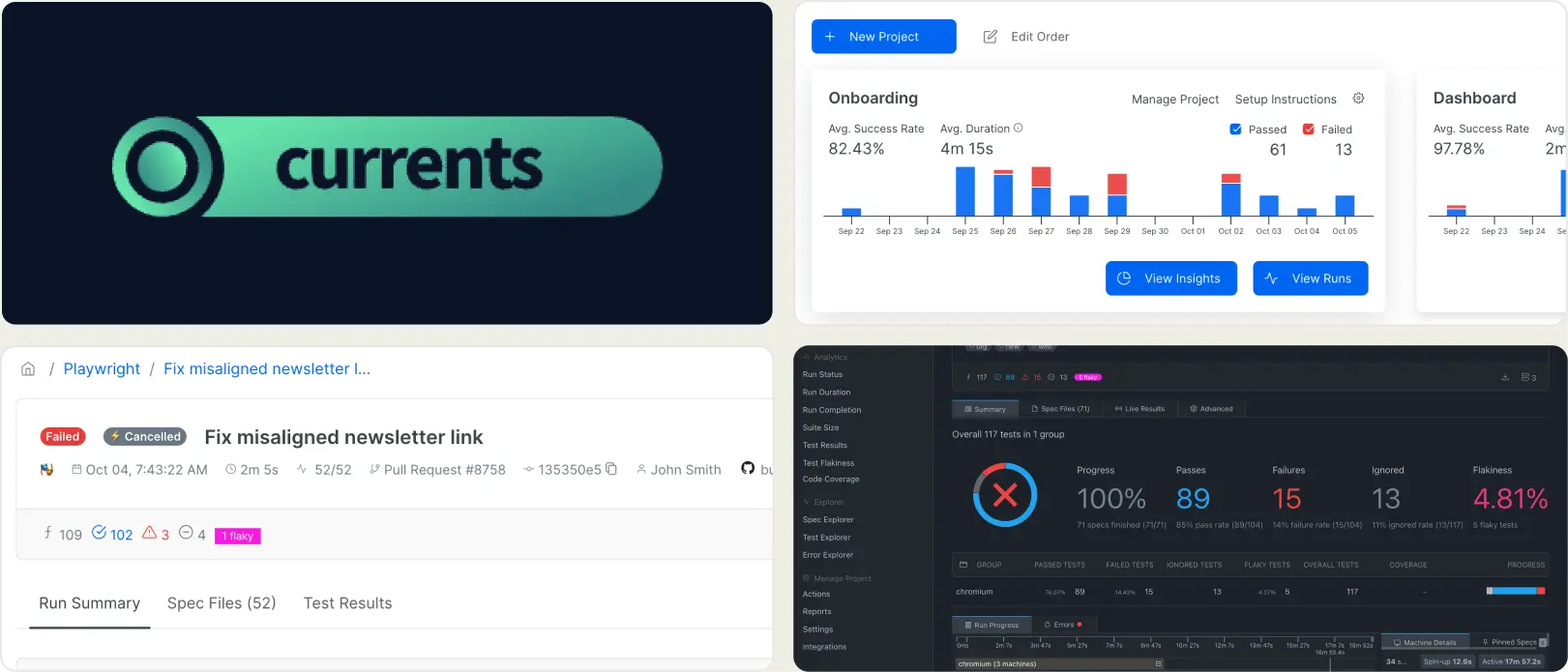
Best for:
Teams that want to live stream Playwright test runs in the cloud.
Platform Type:
Cloud dashboard platform
Integrations with:
GitHub, GitLab, Slack
Key Features:
- Live test run streaming
- Orchestration for sharding and parallelism
- CI/CD pipeline integrations
- Basic analytics: status, duration, spec-level failures
- Centralized logs, screenshots, and videos
Pros
- Real-time visibility during execution
- Simple cloud-first setup
- Native alignment with Playwright workflows
Cons
- Limited analytics depth
- Usage costs can scale quickly
- Lacks advanced debugging and AI insights
- No dedicated PR-focused views
First Hand-Experience
Currents delivers strong live streaming for Playwright runs, which is useful during active releases and incident response. In day-to-day use, the focus stays on execution monitoring.
Teams that require failure categorization, predictive patterns, or role-specific dashboards may find themselves stitching together additional tooling to close insight gaps.
Pricing & Value
Usage-based pricing lowers the barrier to start, which is attractive for pilots and short-term initiatives.
As test volume grows, ongoing costs can rise in lockstep with run frequency and artifacts, so budget planning should account for sustained CI activity and parallelism.
Final Verdict
Currents is a good fit for organizations prioritizing CI/CD integration and real-time test reporting.
Buyers researching Currents competitors and reading Currents reviews should assess how important advanced analytics, AI-driven debugging, and PR-aware insights are to their roadmap.
If long-term efficiency and deeper analysis matter, shortlist platforms that provide richer diagnostics in addition to live streaming.
4. Allure TestOps
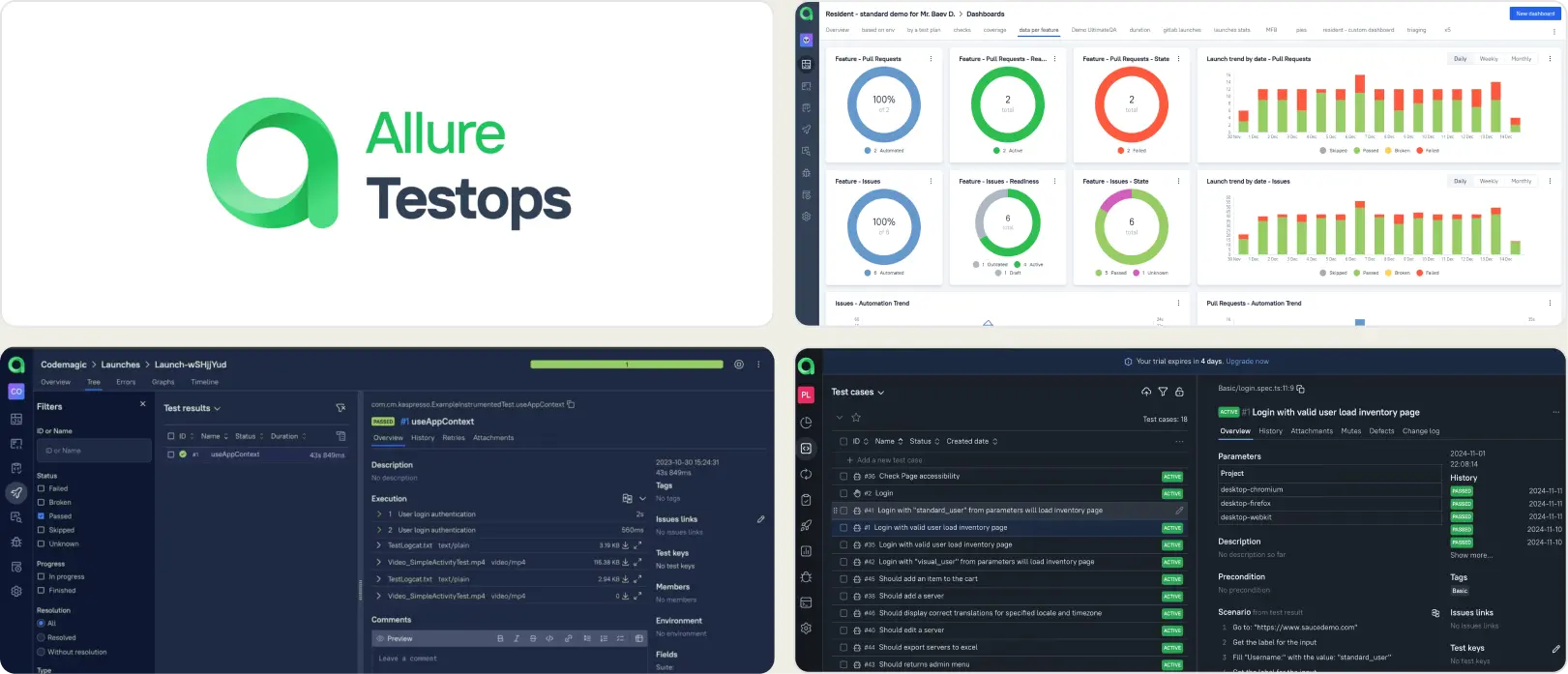
Best for:
Large enterprises and QA teams looking for end to end test reporting and management solutions.
Platform Type:
Web dashboard platform
Integrations with:
Jira, GitHub, GitLab, Jenkins
Key Features:
- Centralized test case management and reporting
- Historical trend and coverage analysis
- Broad CI/CD and VCS integrations
- Role-based access control and permissions
- Custom dashboards via AQL and exportable reports
Pros
- Mature, enterprise-proven feature set
- Strong test case and requirement management
- Comprehensive CI/CD integration options
- Flexible dashboards and reporting exports
Cons
- Heavy for small to mid-size teams
- Setup and ongoing maintenance can be significant
- Advanced insights often require configuration and curation
First Hand-Experience
Allure TestOps presents a robust, feature-rich workspace for test operations. In practice, the depth is most valuable when teams already have defined QA processes and the bandwidth to configure adapters, data models, and dashboards.
Smaller or faster-moving groups may find the initial lift non-trivial, as meaningful outcomes often depend on disciplined setup and governance.
Pricing & Value
With custom enterprise pricing, the platform aligns well to organizations that prioritize centralized governance, auditability, and standardized reporting at scale.
For buyers researching Allure TestOps alternatives, value depends on whether the team needs comprehensive test management or is prioritizing faster onboarding and leaner day-to-day operations.
Final Verdict
Allure TestOps is a strong fit for enterprises seeking a full test management layer with governance, history, and broad integrations.
Teams evaluating test automation tools and reading Allure TestOps reviews will appreciate its maturity and configurability.
For groups optimizing for speed of adoption, focused QA test reporting, and minimal overhead, consider where your current process sits on the spectrum of "full TestOps management" versus "streamlined execution analytics" when shortlisting Allure TestOps competitors.
5. LambdaTest Test Analytics
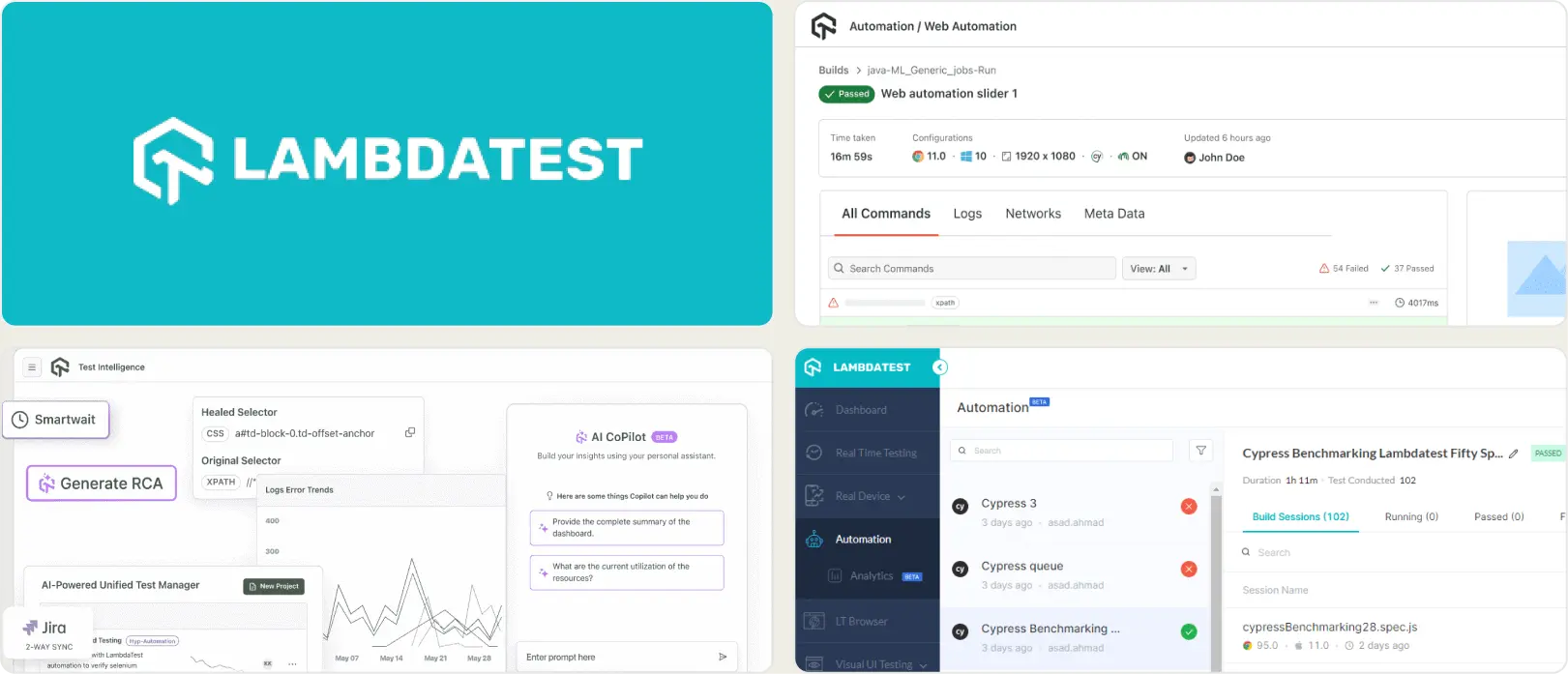
Best for:
Teams needing cross browser cloud testing with parallel execution.
Platform Type:
Cloud dashboard platform
Integrations with:
Jira, Trello, CI/CD pipelines
Key Features:
- Cross-browser and real-device coverage
- Cloud automation grid with parallelism
- Screenshots, video, and logs
- Basic test execution insights
- CI/CD triggers and reporting hooks
Pros
- Affordable entry pricing
- Wide browser and device matrix
- Good for functional and visual checks
- Quick cloud onboarding
Cons
- Reporting secondary to execution
- Limited advanced test analytics
- Playwright-native reporting is basic
- Deeper insights often require add-ons
First Hand-Experience
LambdaTest Test Analytics delivers dependable cloud execution across browsers and devices, which helps teams expand coverage quickly. The dashboard surfaces runs, artifacts, and essential telemetry without heavy setup.
Over longer horizons, teams seeking granular test analytics, flaky detection depth, or role-specific insights may feel constrained by reporting that emphasizes execution over analysis.
Pricing & Value
Entry-level plans are cost-effective for pilots and smaller suites. As concurrency, minutes, and device usage increase, higher tiers are typically required for throughput and retention.
Buyers researching LambdaTest Test Analytics Alternatives, LambdaTest Test Analytics Reviews, and broader LambdaTest Test Analytics Alternatives should model expected parallel sessions and artifact storage to project total cost.
Final Verdict
LambdaTest Test Analytics is an affordable, flexible option for cross-browser and device execution with straightforward cloud operations.
For leaders evaluating LambdaTest Test Analytics competitors in the context of test analytics and Playwright automation, consider whether long-term priorities include advanced debugging signals, historical stability views, and role-aware reporting, in addition to scalable execution.
How To Choose an Alternative to DataDog Test Optimization
The best alternative to DataDog Test Optimization for test optimization and analytics should suit your team's reporting, QA monitoring, and test observability needs.
Before selecting an alternative, you need to define your team's objectives and QA requirements.
When looking into DataDog Test Optimization alternatives, take the following into consideration:
Smart Reporting and Debugging
The ideal DataDog Test Optimization alternative needs to transcend basic monitoring dashboards and offer test analytics powered by AI.
For example, flaky test detection, failure grouping, root cause analysis, and execution trace insights save time and allow teams to discover issues quicker.
TestDino, for instance, makes debugging a breeze with Playwright-native smarts that identify the "why" of a test failure, rather than merely presenting the "what."
Team Collaboration
Collaboration is essential for CTOs, QA managers, engineering managers, and DevOps teams. Find DataDog test optimization options that include role-based dashboards, real-time alerts, and simple test result sharing.
TestDino makes sure developers, QA engineers, and managers all receive context-specific feedback without superfluous complexity, facilitating faster decision-making in the company.
Analytics and Test Coverage
Data-driven decisions are the key to enhancing test reliability and optimizing CI/CD pipelines. The top alternatives to DataDog Test Optimization offer actionable analytics on flaky tests, repeated failures, and environment-specific performance.
TestDino offers thorough test coverage analytics across browsers and environments, enabling teams to make smarter release decisions and lower debugging cycles.
CI/CD Speed and Integration
Agile teams need tools that play well with other CI/CD pipelines. Alternatives to DataDog Test Optimization need to have fast setup, native Playwright integration, and CI/CD-friendly features.
TestDino speeds up test runs with parallel runs, real-time reporting, and execution trace capture, allowing teams to iterate quickly and keep high confidence in releases.
Ease of Use & Support
A user-friendly platform reduces overhead and shortens onboarding. Choose an alternative that balances advanced capabilities with simplicity.
TestDino provides easy setup, simple dashboards, and quick support to suit both small QA teams and big engineering groups.
Wrapping Up
Choosing a QA test optimization tool affects your team's velocity, quality, and release confidence. Consider your existing infrastructure, CI/CD requirements, and test observability objectives prior to selecting among the top DataDog test optimization competitors.
In the rapid-paced engineering world today, those who depend on cumbersome, aging platforms are at risk of lagging behind. New DataDog Test Optimization alternatives offer quicker onboarding, artificial intelligence-powered analytics, and brighter collaboration.
TestDino offers all of this without the prohibitively high cost or complicated learning curve, making it a perfect fit for engineering leaders, QA departments, and DevOps teams seeking actionable insights and efficient test optimization.
Test analytics without extra overhead
Keep setup simple in CIGet focused QA insightsFAQs
Top alternatives include TestDino, ReportPortal, Currents, Allure TestOps, and LambdaTest Test Analytics, each offering unique test analytics, CI/CD integration, and reporting features.
Related Alternatives
Looking for more options? Browse related alternative tools that might fit your workflow better.