Katalon TestOps helped many QA teams move beyond scattered reports and disconnected test runs, offering dashboards, execution history, and traceability that initially feel structured and reliable.
But as automation scales across branches, environments, and parallel CI pipelines, many teams start searching for Katalon TestOps alternatives that provide deeper automation intelligence rather than just surface-level reporting.
When thousands of tests are run per pull request, a simple pass/fail dashboard is not enough; you need to know why tests failed, whether they are flaky or new regressions, which branch introduced the issue, and how to reduce CI waste.
This is where modern TestOps platforms, advanced test reporting tools, and smarter QA automation analytics solutions become critical.
The core limitation of Katalon TestOps is not execution visibility, but the lack of AI-driven failure analysis, historical flaky detection, and CI-first optimization capabilities teams expect from a true next-generation platform.
TestDino stands out as a superior Katalon TestOps alternative, combining structured test management with AI-powered failure insights, flaky test detection, and CI pipeline optimization that modern DevOps and QA teams require
Best Katalon Alternatives: How to Choose the Right Tool
When evaluating a Katalon TestOps alternative, look beyond dashboards and ask whether the tool truly explains failures, detects flaky tests, and reduces CI runtime across branches and environments.
TestDino stands out as a superior Katalon TestOps alternative because it directly addresses Katalon's reporting limitations with AI-powered failure analysis, flaky test detection, and CI-first optimization
With re-run only failed tests, evidence-rich debugging views, and role-based dashboards, it helps teams debug faster and cut CI waste
How to compare katalon TestOps Alternatives
When evaluating a Katalon TestOps alternative, look beyond dashboards and ask whether the tool truly explains failures, detects flaky tests, and reduces CI runtime across branches and environments.
 TestDino |  Katalon TestOps |  Testomat |  PractiTest |  Xray | |
|---|---|---|---|---|---|
Dashboard & Visibility | |||||
| Role-Based Dashboards | |||||
Test Intelligence & Analysis | |||||
Test Management | |||||
CI/CD & Optimization | |||||
Reporting & Evidence | |||||
Integrations & Platform | |||||
Best 8 Katalon TestOps Competitors for Modern Test
Here are the top 7 best alternatives to Katalon TestOps that you can choose from to streamline your test management:
1. TestDino
$49
/monthBest for:
Best for: Playwright first teams, QA leads, DevOps managers, and engineering teams who want AI-powered QA test reporting and faster debugging.
Platform Type:
Web app dashboard (Playwright native)
Integrations with:
Slack, Jira, Linear, Asana, GitHub, CI tools, email, with bi-directional issue sync.
Key Features:
 Manual + Auto Tests: Unified test management.
- Flaky Detection: Identifies unstable tests.
- Historical Insights: Compare runs across environments.
- PR Automation: Auto PR comments & status updates.
- Role-Based Dashboard: Contextual dashboards by role.
- Integrations: Slack, Jira, GitHub, CI & more.
- AI Failure Insights: Auto-explains test failures.
- Suite Hierarchy: Nested test organization.
- Bulk Actions: Fast search & mass updates.
- CI Visibility: Tests linked to PRs & branches.
- Smart Failure Labels: Auto-classifies failures.
- Rich Failure Evidence: All logs & media in one view.
- Analytics Dashboards: Trends & performance insights.
- CI Optimization: Rerun only failed tests.
- Environment Insights: Detect cross-env differences.
- Secure Access: RBAC, audit logs, secure storage.

Pros
- AI insights help teams debug faster by explaining real failure causes.
- Reports show traces, screenshots, videos, logs, and steps together.
- Flaky test detection and history make CI more stable and predictable.
- CI-first workflows enable PR comments, reruns, and automation easily.
- Role-based dashboards give each team member the right level of detail.

Cons
- It is most useful for teams that already run tests in CI
- AI gets smarter over time as more test runs are collected
- Currently, it mainly works with Playwright, and other frameworks may come later.
First Hand-Experience
When teams migrate from Katalon TestOps to TestDino, the biggest shift is not in dashboards but in actionable intelligence. Instead of just reviewing execution summaries, teams gain deep Test Reporting, structured Test Case Management, and true Role-Based Dashboards that adapt views for QA, developers, and managers.
Unlike Katalon's execution-focused visibility, TestDino introduces Flaky Test Analysis, AI Failure Recommendations, and historical insights that explain why failures happen, not just that they happened. With Organization & Access Management, growing teams maintain secure collaboration without losing clarity across projects and environments.
Smart Reporting & Debugging
Katalon TestOps provides execution tracking, but TestDino enhances this with AI-powered diagnostics and consolidated Evidence Collection (Screenshots/Video) in a single interface. Logs, traces, screenshots, and videos are unified to remove context switching and reduce debugging time.
Advanced Analytics & Insights, combined with Specs Explorer and Pull Request Explorer, allow teams to trace failures across branches and releases. Instead of scanning raw logs, teams receive adaptive classifications and intelligent failure explanations that accelerate root cause analysis.
CI/CD Speed & Test Coverage
Where Katalon focuses on visibility, TestDino prioritizes CI/CD Optimization with smarter sharding, execution tracking, and pipeline feedback loops. Teams can use Rerun Failed Tests to minimize CI waste while maintaining full branch and environment visibility.
Built-in GitHub CI Checks, MCP Server capabilities, and advanced Environment Management ensure execution context is preserved across staging, QA, and production. This results in faster pipelines, reduced infrastructure costs, and more predictable releases.
Team and Client Collaboration
TestDino improves cross-functional communication through built-in integrations with Jira / Linear / Asana, plus real-time updates via Slack App & Webhooks. Automated PR comments and workflow triggers ensure developers see relevant failure insights directly inside their CI and Git workflows.
With deep Integrations (Dev + QA) and granular access controls, teams can securely share insights across departments. This level of connected visibility is something many Katalon TestOps users seek when scaling automation across distributed teams.
Pricing & Value
TestDino offers Community, Pro, Team, and Enterprise plans designed to scale with automation growth. Pricing varies based on execution limits, users, storage, retention policies, and AI-driven capabilities.
Compared to Katalon TestOps, the value lies not just in reporting access but in intelligent automation analytics, CI-first optimization, and scalable management features that reduce long-term operational cost.
Final Verdict
Katalon TestOps provides structured execution visibility, but as automation scales, teams require deeper intelligence and CI efficiency.
TestDino stands out as a superior Katalon TestOps alternative by combining advanced reporting, flaky detection, AI-driven insights, CI optimization, and collaborative workflows in one unified platform
For Playwright-focused and CI-driven teams, TestDino delivers the automation intelligence that modern QA organizations expect beyond traditional TestOps reporting.
Pricing & Value
Four distinct plans are available on TestDino; each specifically created to meet the demands of its consumers.
2. Testomat
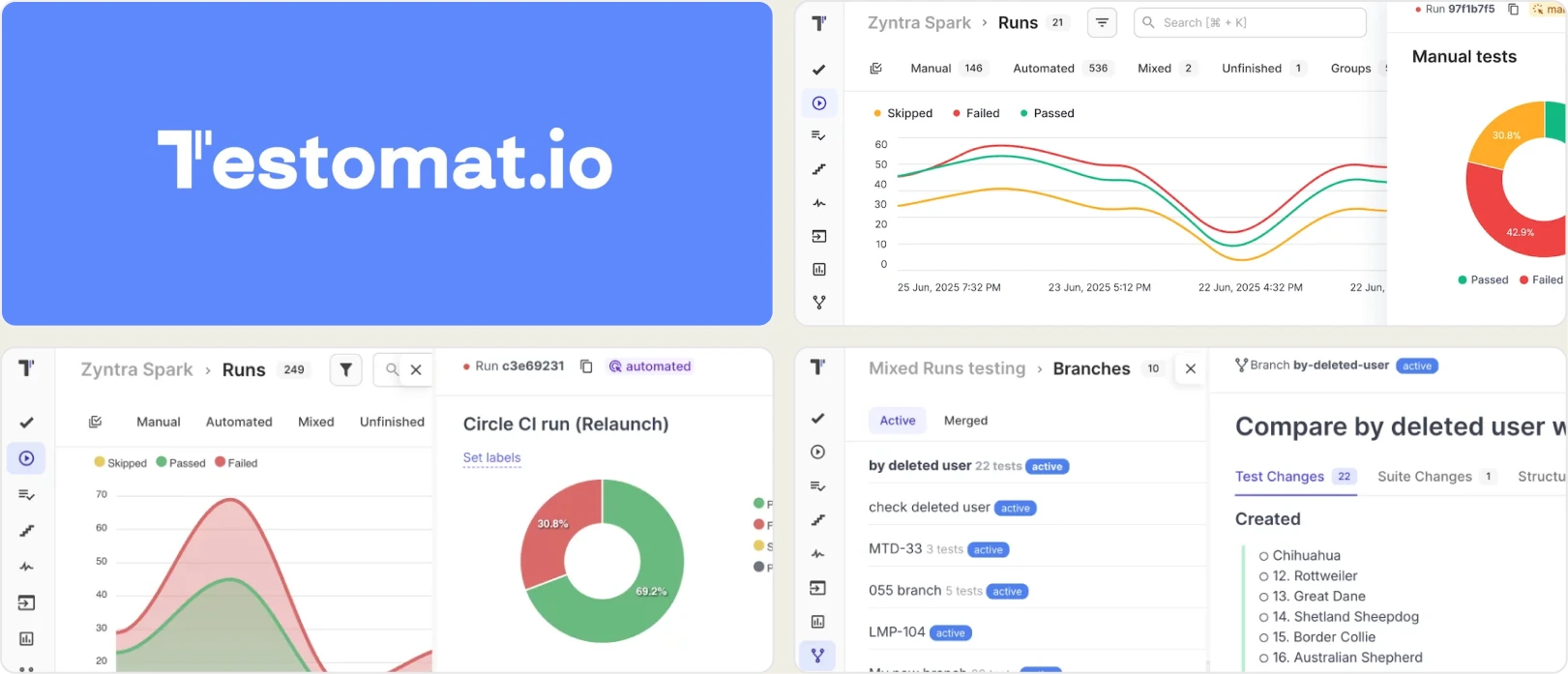
Best for
QA teams that prioritize structured test case management and linking manual and automated tests within a documentation-focused workflow. Suitable for teams transitioning from manual to automation.
Platform Type: Web dashboard platform
Web dashboard platform
Integrations with
Jira · GitHub · GitLab · CI/CD systems
Key Features
- Structured test case management with hierarchical suites, tags, labels, and advanced filtering
- Automation linking that connects Playwright, Cypress, and other framework tests directly to test cases
- Support for manual and automated workflows within a single workspace
- Execution history tracking across builds with pass/fail visibility
- CI/CD integrations with GitHub, GitLab, and popular pipeline tools
- Jira integration for requirement traceability and defect linkage
- Reporting dashboards showing coverage and execution summaries
- Basic role and access control for team collaboration
Pros
- Clean and organized interface for managing growing test suites
- Strong alignment between automation and documentation workflows
- Useful for teams transitioning from manual to automated testing
- Easy integration with CI tools and Jira
- Suitable for governance-focused QA teams
- Lightweight compared to enterprise-heavy test management platforms
Cons
- Limited AI-powered failure analysis compared to modern automation intelligence tools
- Basic flaky test detection without deep historical pattern insights
- Reporting emphasizes execution visibility rather than root cause analysis
- Minimal CI optimization capabilities
- Limited cross-environment and branch-level analytics
First Hand-Experience
Testomat performs well when the primary goal is structured test organization and traceability between automation and documentation. As automation scales and CI complexity grows, teams may find the reporting layer less focused on failure intelligence and pipeline optimization.
Pricing & Value
Testomat offers tiered pricing based on users and project limits, making it accessible for small and mid-sized QA teams. It provides solid value for structured test management but may not fully replace advanced automation analytics platforms.
Final Verdict
Testomat is a strong option for teams prioritizing documentation, structured workflows, and governance. However, organizations seeking deeper AI-driven debugging, flaky detection, and CI-first automation optimization may need a more intelligence-focused solution.
3. PractiTest
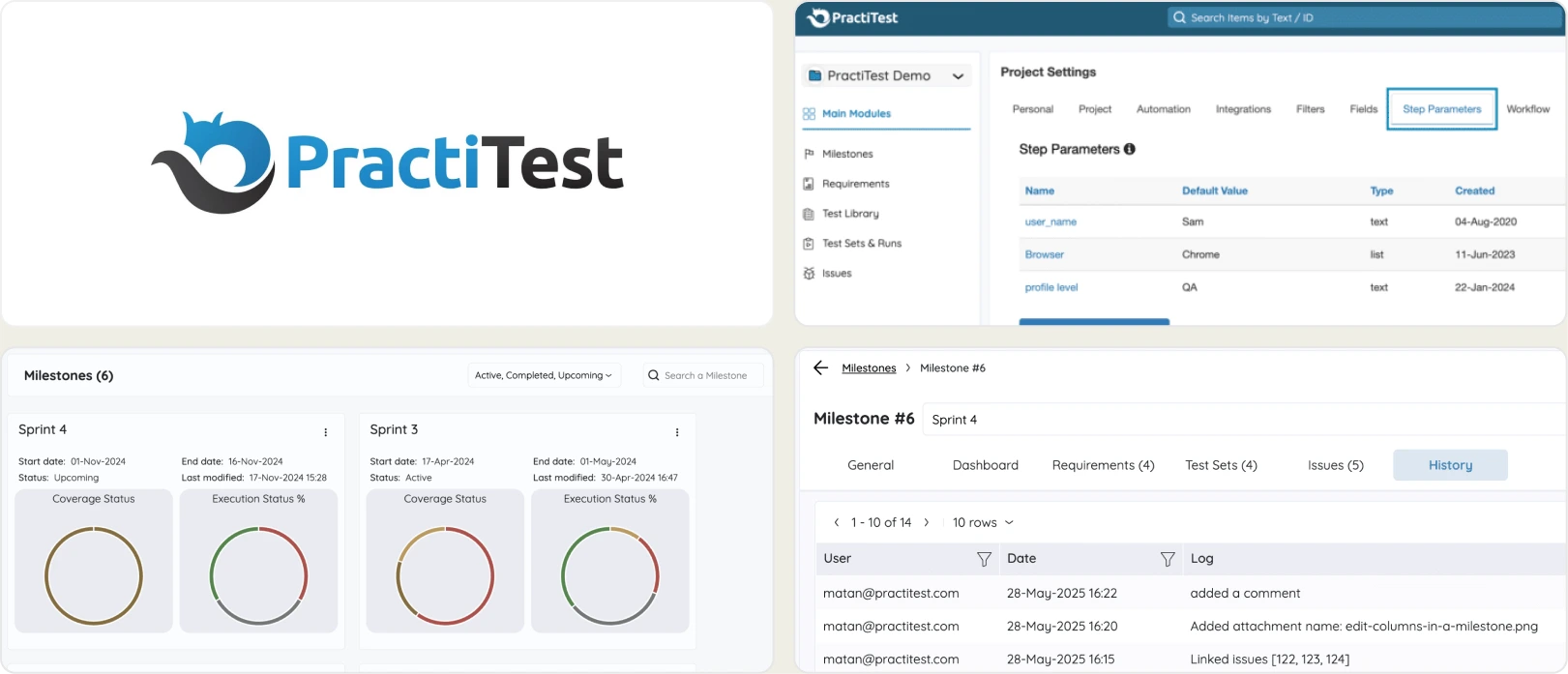
Best for:
Large QA teams and regulated industries that require full lifecycle test management, requirement traceability, compliance workflows, and cross-project reporting visibility.
Platform Type:
Web-based test management platform
Integrations with
Jira · Azure DevOps · GitHub · GitLab · CI/CD systems
Key Features
- End-to-end test management with requirement, test, run, and issue linkage
- Centralized dashboards for visibility across releases and milestones
- Traceability views showing how requirements connect to test cases and defects
- Advanced filters and custom fields for tailored reporting
- Integration with CI/CD pipelines for automated test execution results
- Defect tracking integrations, including Jira, Azure DevOps, and others
- Cross-project reporting and metrics for enterprise visibility
- Audit logs and compliance support for regulated workflows
Pros
- Comprehensive lifecycle coverage from planning to reporting
- Strong traceability between requirements, tests, and defects
- Highly customizable dashboards and reporting widgets
- Enterprise-grade governance and compliance capabilities
- Scales well for large teams with complex release cycles
- Good cross-project visibility with aggregated analytics
Cons
- Not primarily focused on deep automation intelligence and failure analysis
- Limited AI-powered diagnostics compared to tools like TestDino
- Flaky test detection is basic and not pattern-based
- CI/CD optimization features
- Can feel complex for smaller teams or light automation use cases
- Requires disciplined configuration for optimal metric tracking
First Hand-Experience
PractiTest excels when teams need strong traceability and governance across testing activities, helping QA leadership monitor progress against requirements. Its structured planning and reporting features shine in regulated or complex environments, though automation-first insights are not its primary focus.
Pricing & Value
PractiTest pricing is typically tiered based on users and enterprise needs, with a strong value proposition for organizations requiring full lifecycle test management. Its strength lies in governance and traceability rather than deep automation analytics or CI optimization.
Final Verdict
PractiTest is a robust choice for teams prioritizing requirement traceability, governance, and cross-project visibility. For teams seeking advanced automation intelligence and CI-centric failure analysis, other automation analytics platforms may better address those needs.
4. Xray
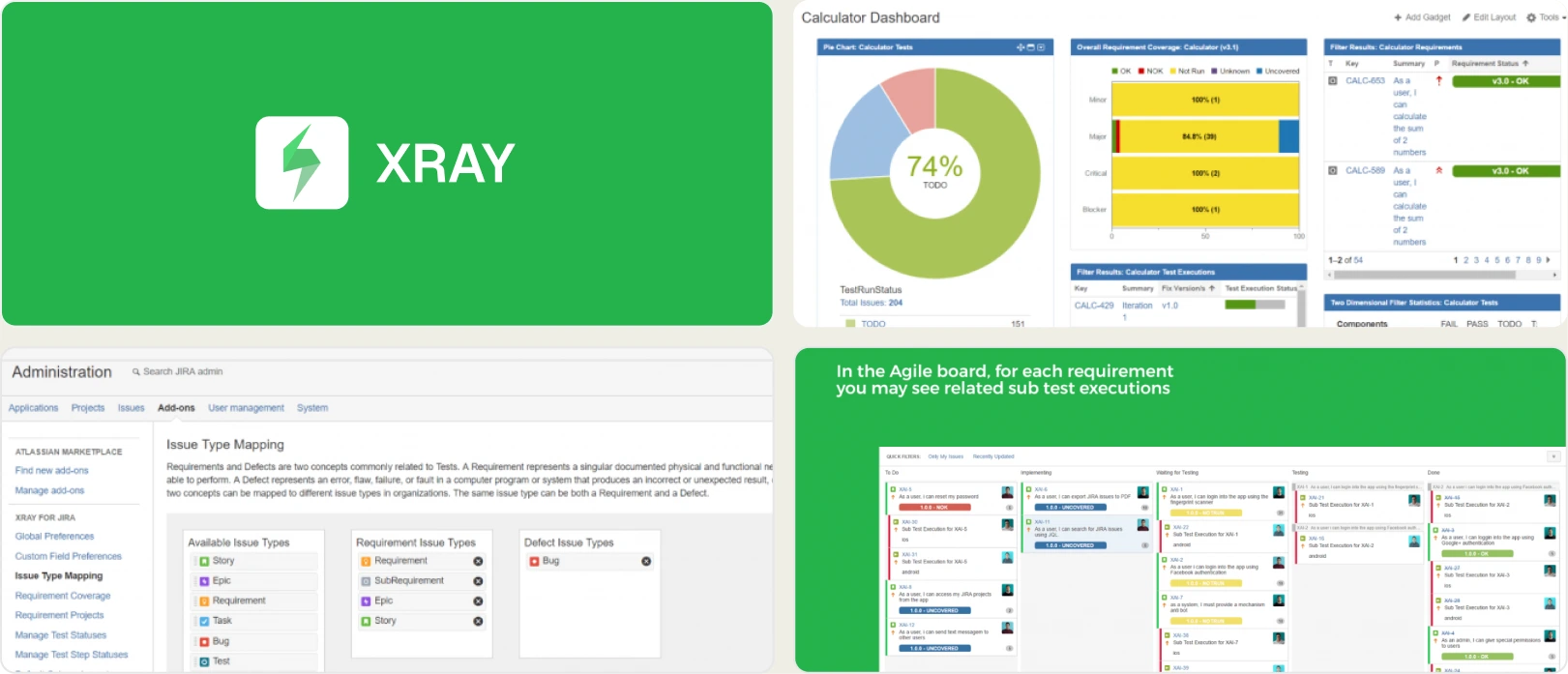
Best for:
Price: Tiered pricing based on Jira users (starts small, scales with Jira license)
Platform Type:
Jira-based app
Integrations with
Jira · GitHub · GitLab · CI/CD systems
Key Features
- Seamless integration with Jira, allowing test cases, executions, and defects to live inside existing workflows
- Requirement and issue traceability connecting user stories to test results
- Support for manual, automated, and exploratory testing within the same ecosystem
- Test execution tracking with pass/fail status and historical result visibility
- Custom fields, filters, and reports tailored to QA metrics inside Jira
- BDD (Behaviour-Driven Development) support with Cucumber integration
- Traceability reports showing coverage of requirements and risk areas
- CI/CD integrations to collect automated test results from pipelines
Pros
- Deep Jira integration ensures QA visibility inside the core development workflow
- Strong requirement to test defect traceability for compliance and audit readiness
- Flexible support for different types of testing, from manual to automated
- Custom reporting and dashboards aligned with Jira's interface
- Supports BDD workflows with Cucumber and Gherkin syntax
- Centralized QA visibility for teams already standardized on Atlassian tools
Cons
- Limited advanced automation analytics and AI-powered failure insights compared with platforms like TestDino
- Basic flaky test detection without pattern-based historical analysis
- CI/CD optimization features, such as rerun-failed tests and pipeline cost reduction, are minimal
- Reporting can feel Jira-centric and less intuitive for non-Atlassian users
- Less effective for teams that need deep evidence-rich debugging views
- Requires Jira licensing, which can increase total cost
First Hand-Experience
Xray feels like an extension of Jira rather than a standalone QA intelligence platform, making it easy for teams already embedded in Atlassian workflows. However, when automation scales and teams need deeper failure analytics or CI optimization, its reporting layer can feel limited.
Pricing & Value
Xray pricing is driven by Jira integration and Atlassian licensing, making it cost-effective for teams already committed to the Jira ecosystem. While it provides excellent traceability and structured QA workflows, it lacks the AI-driven insights and automation intelligence found in more specialized platforms.
Final Verdict
Xray is a powerful choice for teams that want QA embedded inside Jira with strong requirement linkage and traceability. For teams that prioritize deep automation analytics, flaky detection, and CI/CD optimization, specialized platforms like TestDino may offer more advanced capabilities.
5. Tricentis qTest
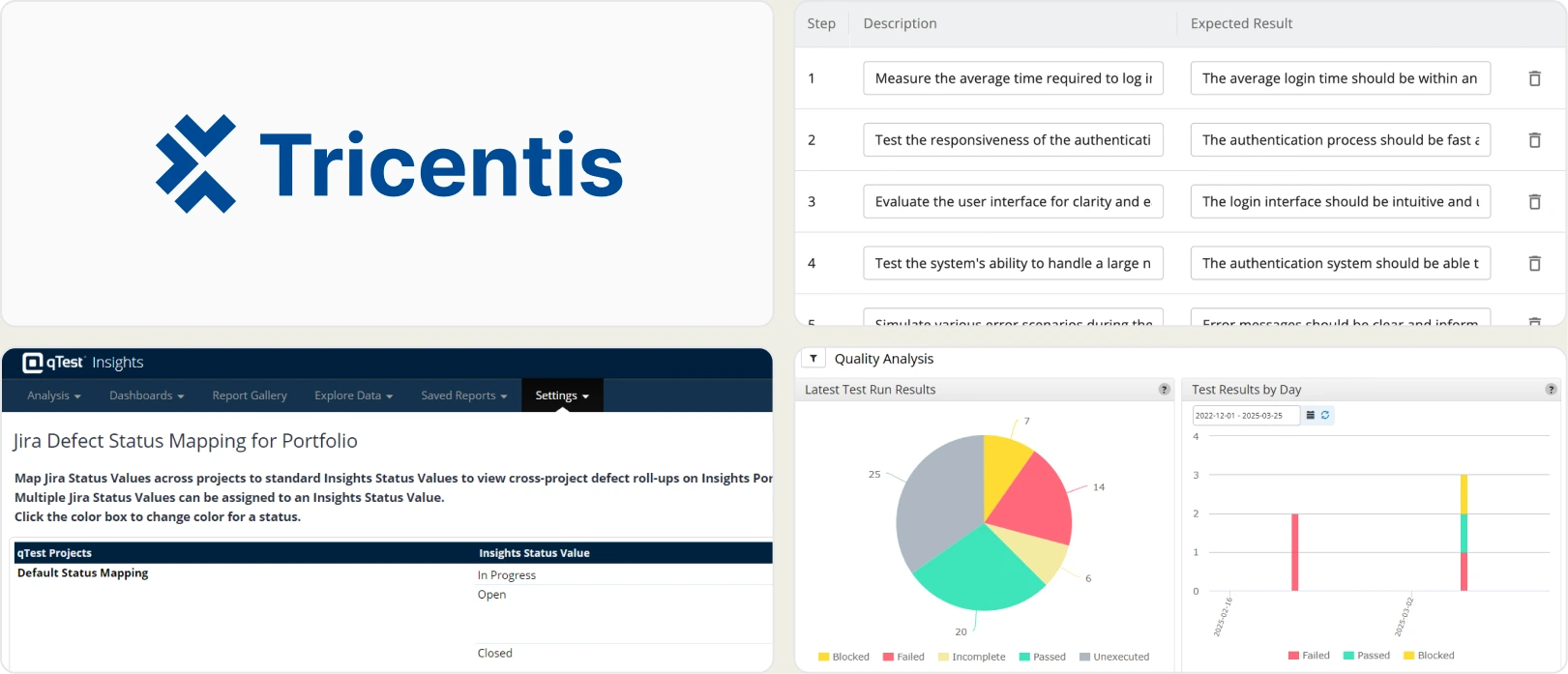
Best for:
Large organizations standardize QA governance across multiple products, teams, and automation frameworks while maintaining traceability, compliance, and release-level reporting alongside CI/CD pipelines.
Platform Type:
Web-based dashboard (Cloud SaaS) with on-premise deployment options for enterprise environments.
Integrations with:
Jira, CI/CD tools, Version control systems
Key Features
- Centralized test case management across projects
- Requirement traceability and defect linkage
- Execution tracking with build-level reporting
- Dashboard customization and advanced reporting
- Automation result aggregation from multiple frameworks
- Enterprise-grade role and access management
Pros
- Scalable for large enterprise environments
- Strong governance and traceability support
- Suitable for complex, distributed QA teams
- Multi-framework compatibility
- Enterprise-level reporting consistency
Cons
- Implementation can be complex
- Higher cost compared to lightweight tools
- May be excessive for small or agile teams
- Advanced analytics require configuration effort
First Hand-Experience
Tricentis qTest works effectively in enterprise settings where multiple teams collaborate across products. It provides centralized oversight and reporting consistency but requires structured implementation to unlock full value. The platform is robust but may feel heavy for smaller organizations.
Pricing & Value
Pricing is enterprise-based and typically customized according to scale and feature requirements. It provides value for organizations needing standardized governance across departments. Smaller teams may find it more comprehensive than necessary.
Final Verdict
Tricentis qTest is the right choice when the primary problem is governing QA across an enterprise portfolio. It is the wrong choice when the primary problem is improving debugging speed, CI efficiency, or automation reporting for a single product team.
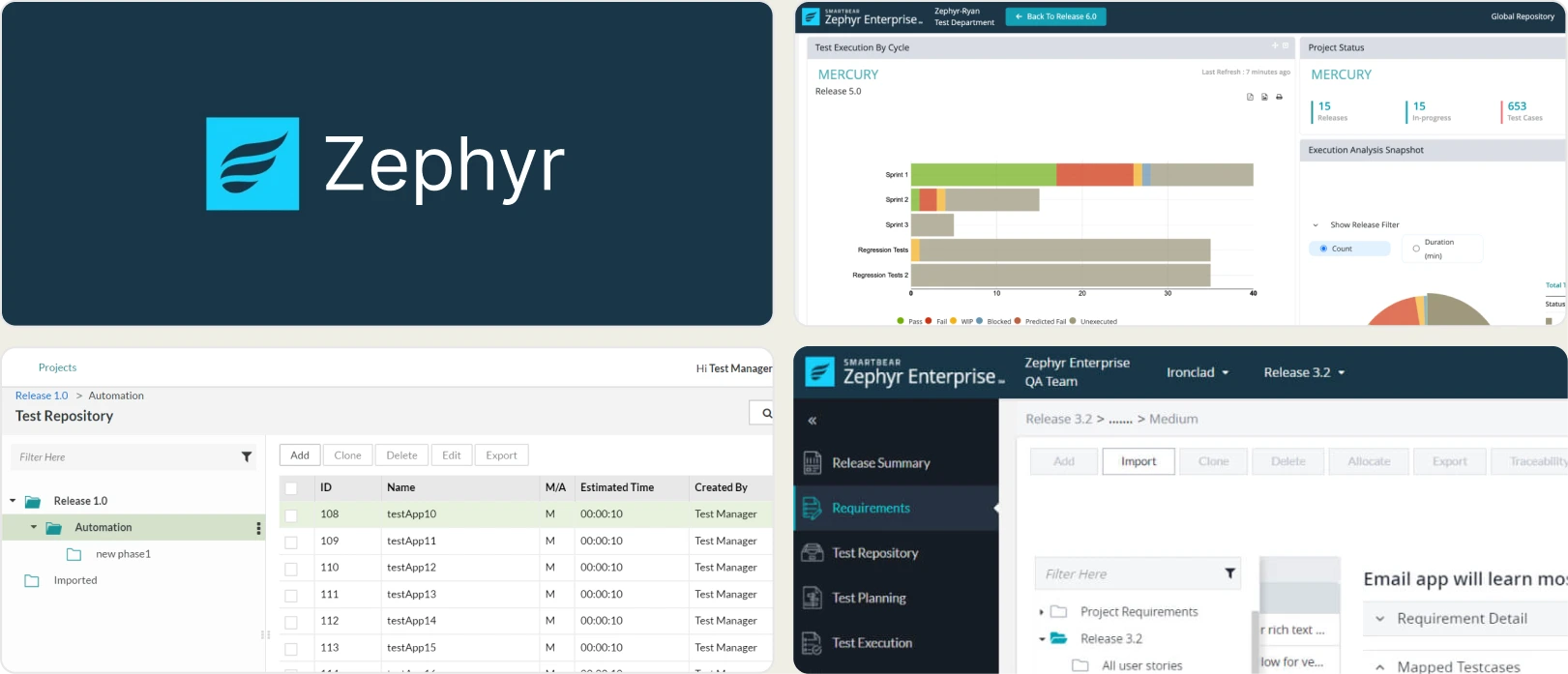
6. Zephyr
Best for:
Agile teams need structured test case management tightly integrated with Jira for execution tracking and release visibility. Suitable for hybrid testing environments.
Platform Type:
Jira-based app / Web platform (depending on edition)
Integrations with
Jira · GitHub · GitLab · CI/CD systems
Key Features
- Robust test case management for organizing test scenarios and suites
- Test execution tracking with historical result visibility and reporting
- Integration with Jira for seamless issue linking and defect tracking
- Support for manual, automated, and exploratory testing workflows
- Customizable dashboards and test metrics for team visibility
- Requirements traceability across test cases and defects
- CI/CD integrations to synchronize automated test results
- Filtering and tagging for easier test organization
Pros
- Strong test organization and execution tracking capabilities
- Seamless integration with Jira for unified defect and issue workflows
- Support for hybrid testing, including manual and automated approaches
- Support for manual, automated, and exploratory testing workflows
- Custom dashboards and reporting widgets for team-level insights
- Scales well for teams adopting Agile practices
Cons
- Limited AI-powered failure insights compared to modern automation intelligence tools
- Basic flaky test detection without deep historical pattern analysis
- Minimal CI/CD optimization features like rerun-only-failed workflows
- Reporting focuses more on execution results than root cause diagnostics
- Less advanced evidence-rich debugging views for faster failure triage
First Hand-Experience
Zephyr feels like a natural extension for teams already embedded in Agile and Jira-centric workflows, providing clear structure for test planning and execution. However, when automation scales and teams need deeper analytics or failure intelligence, its reporting tends to remain surface-level.
Pricing & Value
Zephyr offers tiered pricing based on project and user count, making it accessible for small to mid-sized QA teams looking for structured test management. It delivers solid value for traditional test case organization, but may not replace analytics-first platforms for deeper automation insights.
Final Verdict
Zephyr is a solid choice for teams that prioritize structured test management and seamless integration with Agile processes. For teams aiming for AI-powered failure analysis, flaky detection, and CI-first optimization, more specialized automation intelligence platforms provide broader long-term benefits.
7. Datadog
Best for:
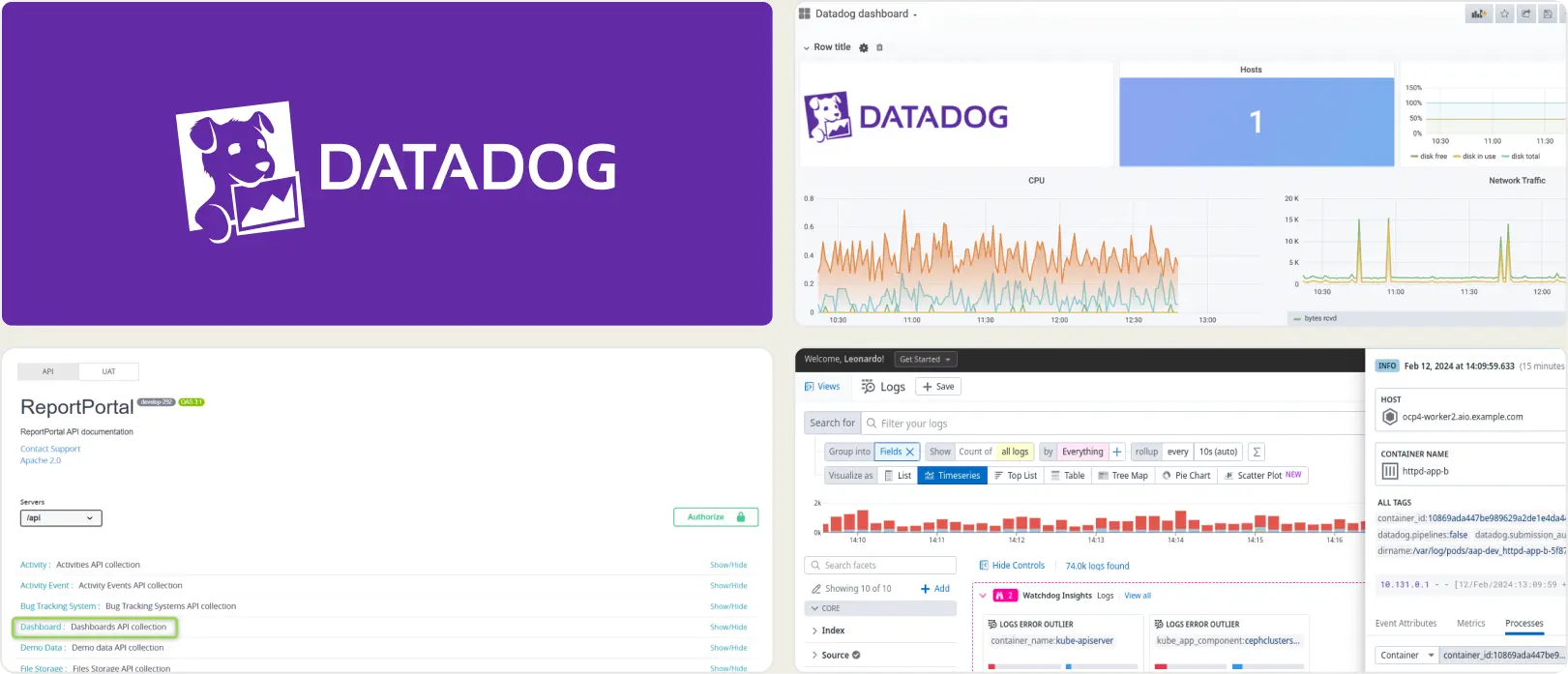
Organizations already standardized on DataDog and want to add test monitoring to an existing observability stack. Works well for infrastructure-heavy teams that value correlating tests with logs, metrics, and traces across services.
Platform Type:
Cloud dashboard platform
Integrations with:
CI/CD, Slack, Jira
Key Features
- Unified observability platform combining infrastructure monitoring and test monitoring
- Synthetic browser and API testing capabilities
- Custom dashboards with real-time visualizations
- Alert configuration for test failures or performance degradation
- Correlation between test failures and backend service metrics
- Distributed tracing for diagnosing system-level issues
- Log aggregation and analysis for deeper debugging
Pros
- Highly scalable and enterprise-ready monitoring ecosystem
- Strong visualization and alerting capabilities
- Useful for diagnosing infrastructure-related test instability
- Integrates test monitoring into broader system health dashboards
- Mature and widely adopted across large enterprises
Cons
- Usage-based pricing can become expensive at a large scale
- Not purpose-built for detailed automation analytics
- Requires technical expertise to configure effectively
- QA-specific insights may require customization
First Hand-Experience
Datadog performs best when test monitoring is part of a broader infrastructure observability strategy. It excels at identifying issues caused by backend performance, network latency, or system instability. However, it may feel less specialized for QA teams seeking AI-driven failure classification and automation-centric analytics.
Pricing & Value
Datadog follows a usage-based pricing model that scales based on hosts, logs, metrics, and retention policies. It delivers strong value for organizations already invested in its observability ecosystem. However, costs can increase significantly as log volume and monitoring coverage expand.
Final Verdict
Datadog belongs in your evaluation if and only if infrastructure correlation is a meaningful part of your debugging workflow and you are already invested in its ecosystem. For teams whose primary problem is understanding test failure patterns, improving CI performance, or getting developers and QA to share a single view of results, a purpose-built testing platform will serve you better.
8. ReportPortal
Best for:
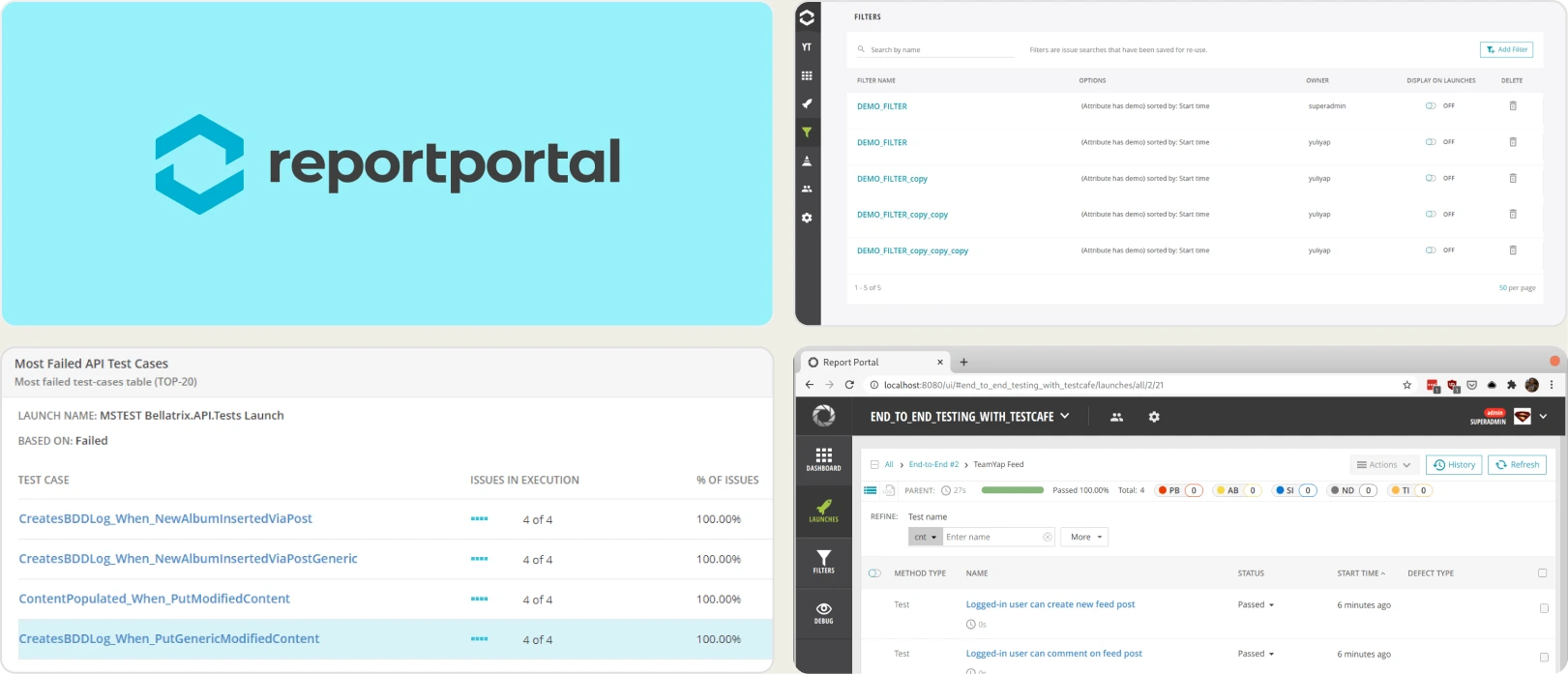
Teams that want open source flexibility and full control over hosting, upgrades, and data. Suitable for QA groups comfortable allocating engineering time for setup, scaling, and maintenance. Works well in organizations with mixed frameworks and heterogeneous CI/CD estates.
Platform Type:
Web dashboard platform
Integrations with:
Jenkins, GitHub, GitLab, Jira, Slack, etc.
Key Features
- Real-time launch tracking and execution visibility
- Failure clustering and automated grouping of similar errors
- Historical flaky detection using trend analysis
- Customizable dashboards with widgets and filters
- Query-based data exploration for deep analysis
- Multi-framework aggregation in one interface
Pros
- Free open-source core available
- Broad framework compatibility
- High customization flexibility
- Suitable for complex, multi-framework environments
- Community and enterprise support options
Cons
- Requires hosting, scaling, and infrastructure management
- Limited AI-based failure reasoning compared to modern SaaS tools
- UI may feel dated for non-technical stakeholders
- Ongoing engineering effort needed for upgrades
First Hand-Experience
ReportPortal offers strong flexibility and transparency for automation teams. However, maintaining infrastructure and ensuring performance at scale requires dedicated resources. Teams that invest in configuration can unlock meaningful reporting depth.
Pricing & Value
The open-source edition is free, making it cost-effective initially. Managed SaaS options shift pricing into enterprise territory. Total cost depends heavily on infrastructure, hosting, and maintenance effort.
Final Verdict
ReportPortal is well-suited for organizations prioritizing customization and open-source control. It works best when technical resources are available to manage setup and scaling. For turnkey automation intelligence, SaaS-focused platforms may provide faster time to value.
How You Should Select a Katalon TestOps Alternative
Choosing the right Katalon TestOps alternative means prioritizing intelligence over simple visibility. Look for platforms that combine strong Test Case Management, advanced Test Reporting, and actionable Analytics & Insights rather than just execution summaries.
Modern QA teams need solutions that reduce debugging time and CI waste while improving collaboration. Features like Role-Based Dashboards, deep automation visibility, and workflow automation should directly support both developers and QA engineers.
Test Management Capabilities
Katalon provides structured visibility, but growing teams require scalable Test Case Management, advanced Environment Management, and granular Organization & Access Management to handle multi-team automation. TestDino stands out by linking documentation directly with CI execution data while maintaining secure access control.
Instead of separating management and automation data, TestDino integrates execution history, branch context, and structured suites into a unified workflow. This ensures traceability without sacrificing performance or clarity.
Assess Test Reporting
Basic dashboards show what failed, but advanced platforms explain why it failed. TestDino differentiates itself with AI Failure Recommendations, Flaky Test Analysis, and consolidated Evidence Collection (Screenshots/Video) that bring logs, traces, and artifacts into one debugging interface.
A strong alternative should provide failure trend tracking, environment comparison, and contextual reporting. Without intelligent analysis layered on top of reporting, debugging becomes slower and less predictable.
Smart Reporting and Debugging
Smart debugging requires more than log access; it requires structured context. Features like Specs Explorer and Pull Request Explorer allow teams to trace failures across branches and releases with clarity.
By combining AI-powered diagnostics and execution metadata, teams move from reactive debugging to proactive stability improvements. This level of automation intelligence significantly shortens feedback loops.
Team Collaboration
Modern QA demands seamless cross-team visibility. With built-in integrations for Jira / Linear / Asana, plus Slack App & Webhooks, teams can sync issues and receive real-time notifications without manual reporting overhead.
Automated PR comments, status updates, and collaborative dashboards keep developers aligned with QA outcomes. Strong Integrations (Dev + QA) eliminate silos and improve release confidence.
Analytics and Test Coverage
As automation scales, deep Analytics & Insights become essential for identifying retry behavior, failure hotspots, and cross-environment inconsistencies. Effective Flaky Test Analysis ensures unstable tests are detected early rather than silently degrading CI trust.
Comprehensive analytics transform raw execution data into actionable quality metrics. This ensures that coverage and stability evolve alongside product complexity.
CI/CD Speed and Integration
Continuous integration requires optimization, not just monitoring. Features like CI/CD Optimization, Rerun Failed Tests, and automated GitHub CI Checks directly reduce pipeline time and infrastructure cost.
Advanced tools may also provide capabilities such as MCP Server support for deeper workflow control and execution orchestration. When CI feedback becomes faster and more contextual, teams ship with greater confidence.
Ease of Use & Support
Even advanced automation intelligence should remain intuitive. Clear dashboards, structured views, and strong Organization & Access Management ensure adoption across distributed teams.
Responsive support and smooth onboarding reduce migration friction from Katalon TestOps. The best alternative balances depth, usability, and long-term scalability.
Wrapping Up
Katalon TestOps provides execution visibility, but scaling automation demands deeper insight and CI efficiency. Modern QA teams need platforms that combine structured management, AI-powered diagnostics, and collaborative workflow automation.
By leveraging features like Role-Based Dashboards, AI Failure Recommendations, Flaky Test Analysis, and CI/CD Optimization, TestDino delivers the automation intelligence that modern DevOps-driven organizations expect beyond traditional TestOps reporting.
Scale QA with clear failure insights
Classify failures automaticallyReduce CI re-run timeFAQs
As automation scales, many teams need deeper failure analysis, flaky test detection, and CI/CD optimization beyond basic execution dashboards. Modern platforms like TestDino provide AI-powered insights and CI-first workflows that improve debugging speed and release stability.
Related Alternatives
Looking for more options? Browse related alternative tools that might fit your workflow better.